
Summer Camp Booking Help
This year Hill House has begun implementing a new booking system for all of our Camps, Schools and Residential activities. This system, known as Venue360, is not just for summer camps, but the Summer Camps for 2026 will be the first live use of the system. It replaces all previous systems and will require you to create a new login.
Here are some helpful points to get you started with the new system. Please remember this is a new system for us as well, so please be patient with us as we get use to all the new functions and processes. We will do our best to answer any queries but ask that you do not call the office but instead email camps@hillhouse.org.uk with any questions of queries. Thank you.
To access the system click on the button below.
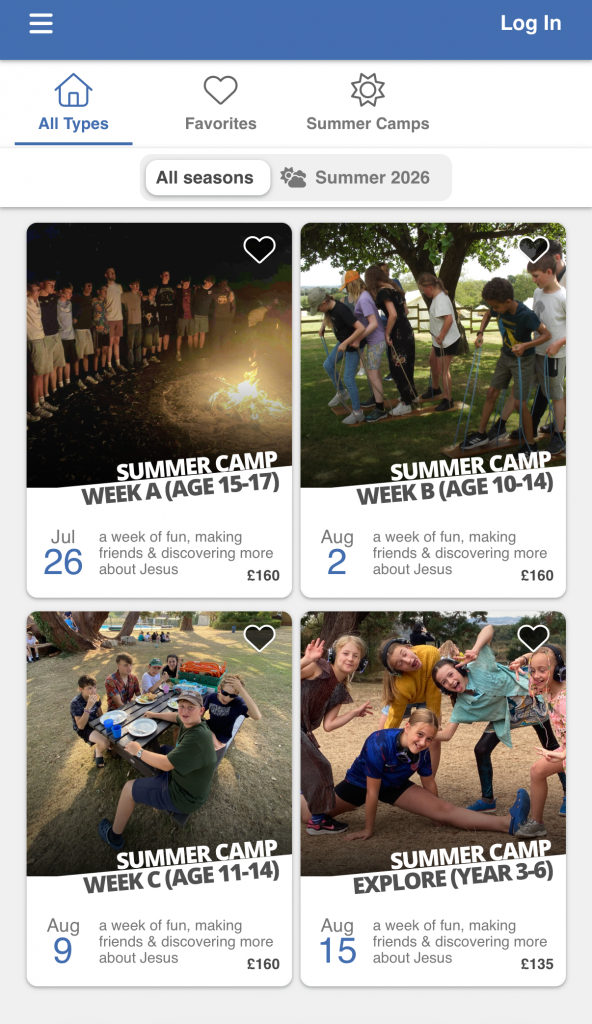
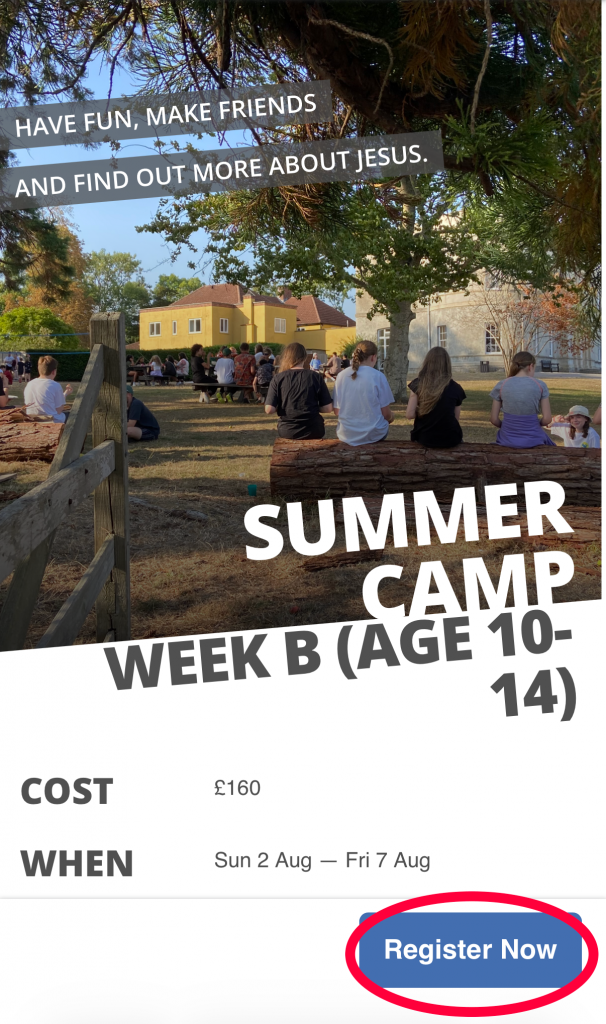
When you first open the page you will see the weeks of camp advertised. Select a week that you want to make a booking for and then click register now at the bottom of the page.
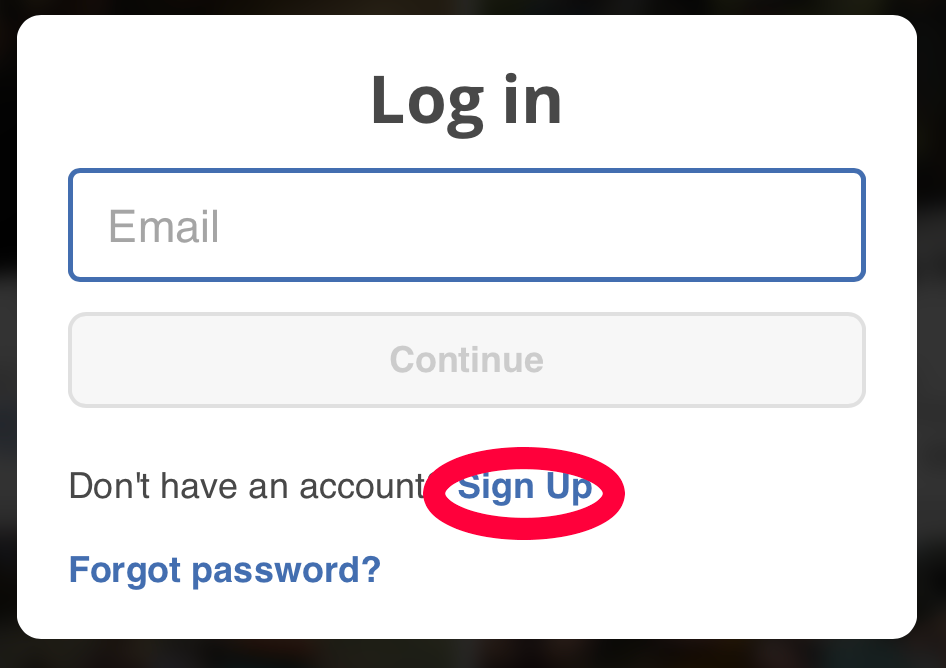
The system will ask you to login but as you need to first create your account please click sign up and enter your details (please remember – this is an account for you as parent not for your child).
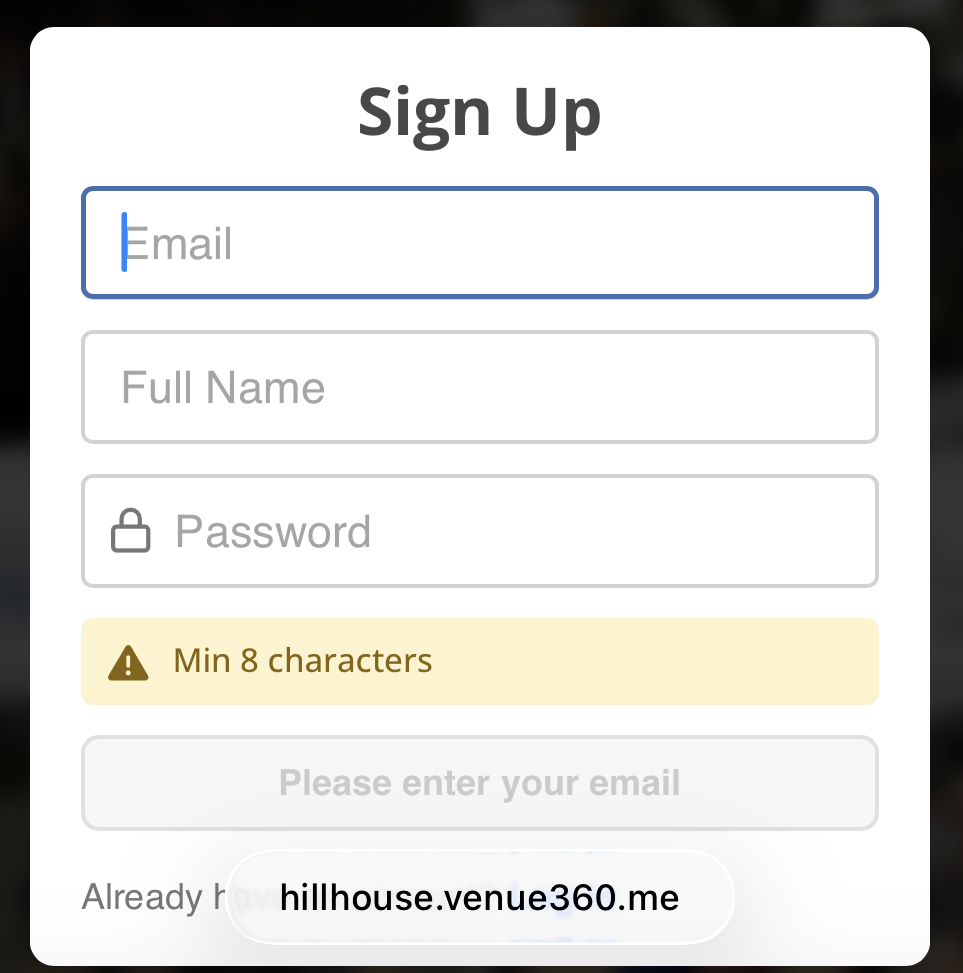
There are a number of steps to register and confirm your login but once complete you will end up at a page with your name, asking who you would like to make a booking for. You will need to use the “Add a new person” option to add your child’s information as the booking is for them not you!
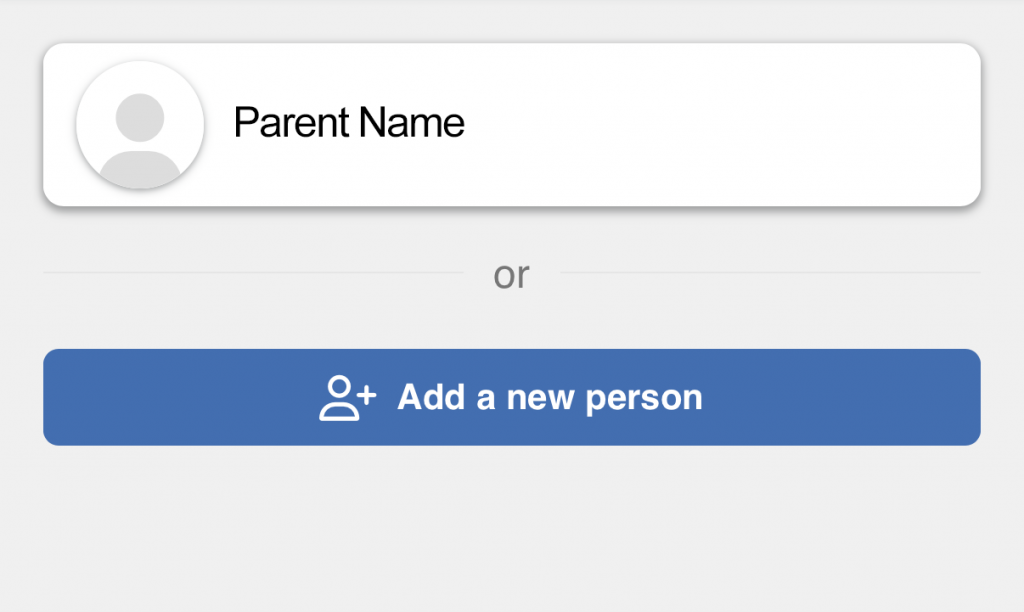
There will be a number of registration forms to complete. Eventually you will have added your child’s booking in the cart.
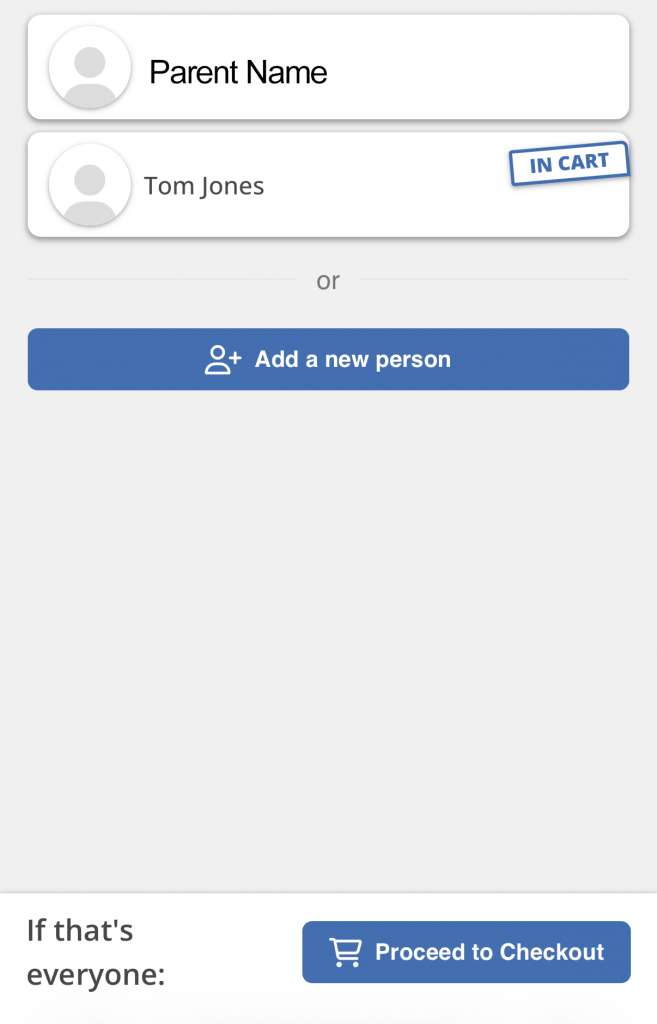
Here we can see a booking has been added for a camper called Tom Jones. If you have more bookings to add, simply click “Add a new person” again for each additional child. Once you have everyone added, proceed to checkout, confirm the terms and conditions and pay a small deposit to hold the place.
If you have any questions, or just require more information about our Summer Camps please email camps@hillhouse.org.uk